Wireless Apple CarPlay & Android Auto Adapter USB A Plug & Play Dongle
Vehicle Compatibility
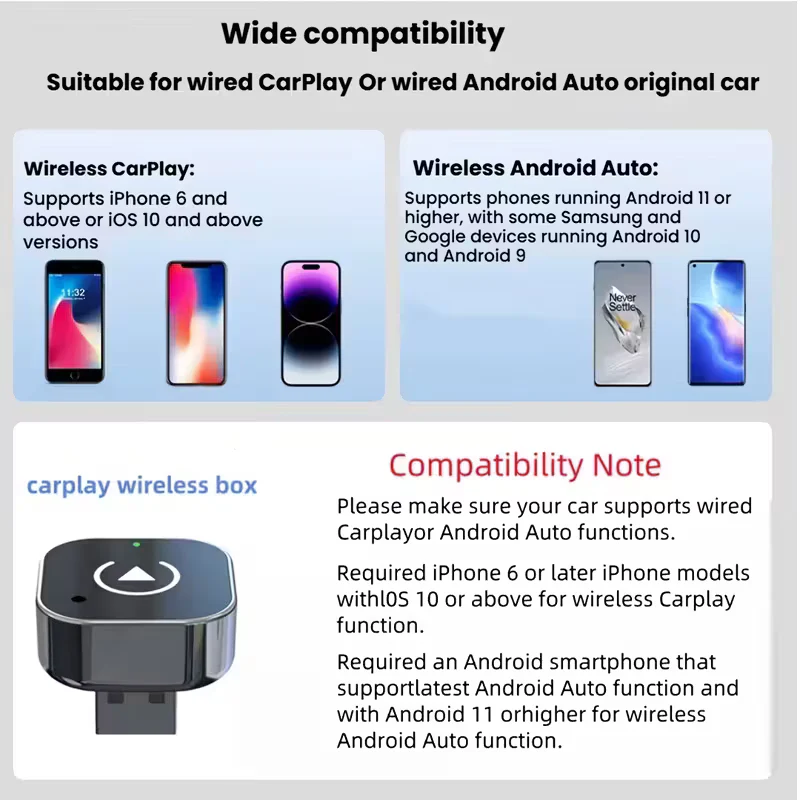
- Vehicle requirement: Your vehicle must already support wired Apple CarPlay or wired Android Auto. This adapter converts an existing wired system to wireless.
- Port requirement: Must be connected to the vehicle’s CarPlay or Android Auto USB data port. Charge only USB ports will not work.
- Connector: USB A plug (connects to the vehicle USB A infotainment data port).
- Apple CarPlay: iPhone 6 or newer with iOS 10 or higher.
- Wireless Android Auto: Requires a compatible Android phone with 5GHz Wi Fi support. Wireless projection is supported on Android 11+ and on certain Google or Samsung devices on Android 10, plus select Samsung models on Android 9 (device support varies).
Quick test: Connect your phone to the car using a USB data cable. If the CarPlay or Android Auto icon appears on the vehicle display, this adapter is compatible.
Specifications
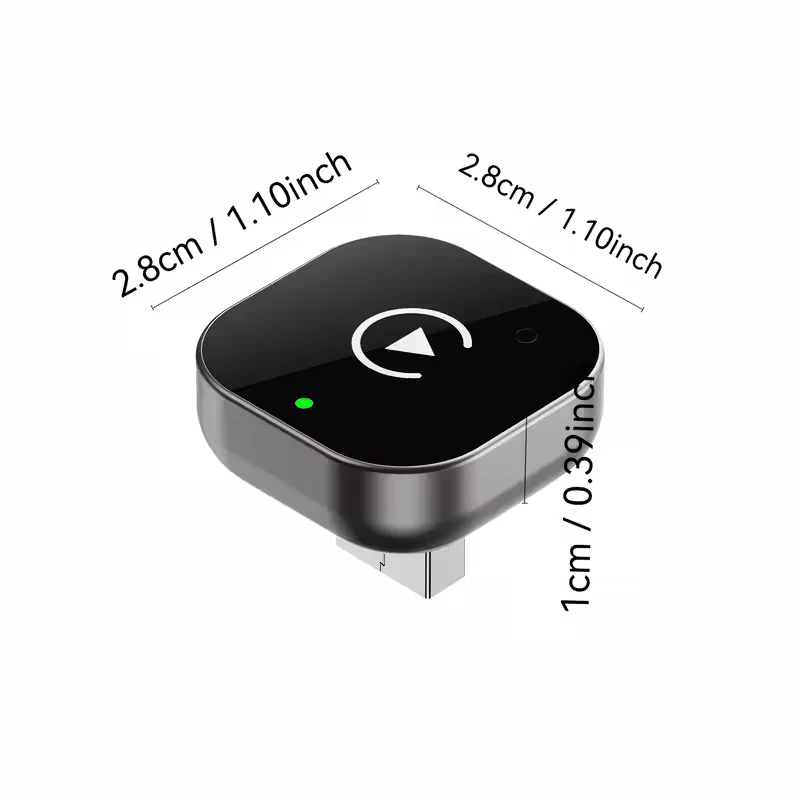
- Product Type: Wireless CarPlay And Android Auto Adapter Dongle
- Vehicle Connection: USB A
- Power Supply: USB Powered 5V
- Connectivity: Bluetooth For Pairing Plus Wi Fi For Data Link
- Use Case: Converts Wired CarPlay Or Wired Android Auto To Wireless Operation
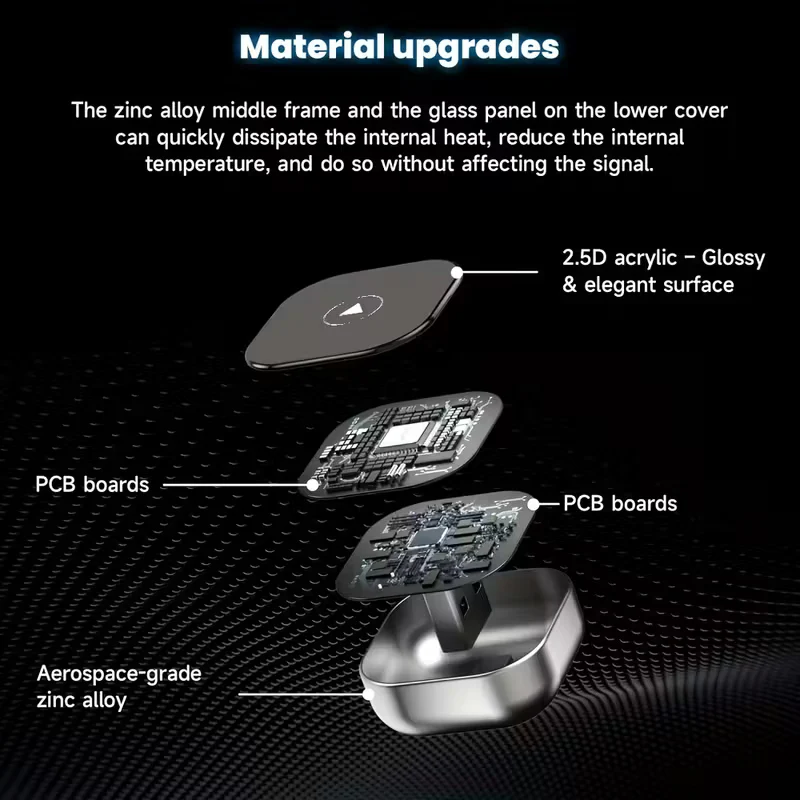
- Design: Compact Dongle Format For A Cleaner Cabin Setup
Features
- Plug And Play Setup For Supported Vehicles
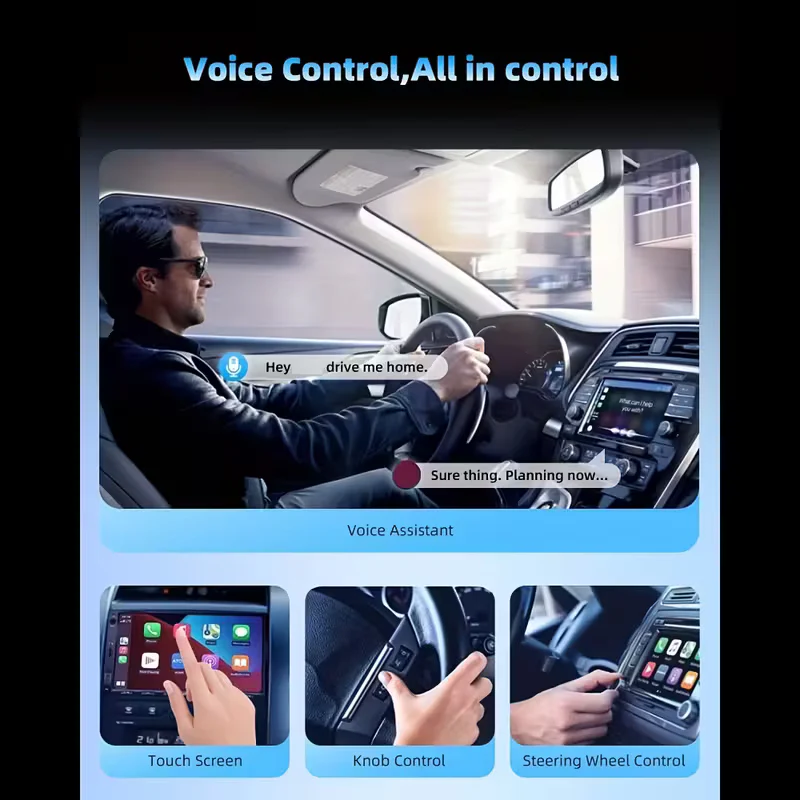
- Wireless Apple CarPlay And Wireless Android Auto On Compatible Devices
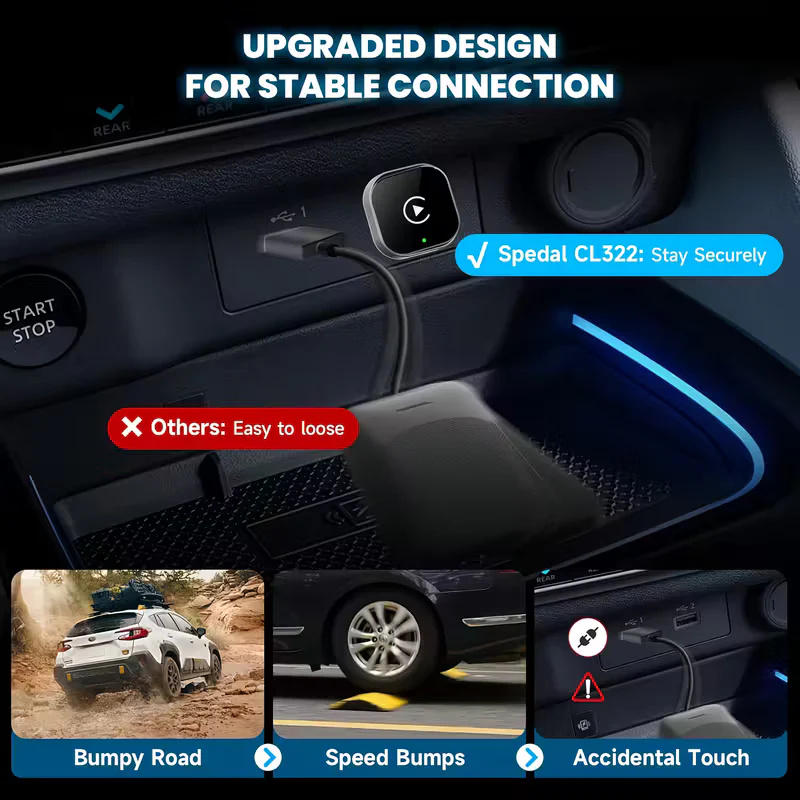
- Designed For Stable Daily Use With Low Latency Performance
- No Separate Power Supply Required
- Reduces Cable Clutter While Keeping Full Screen Projection Functionality'
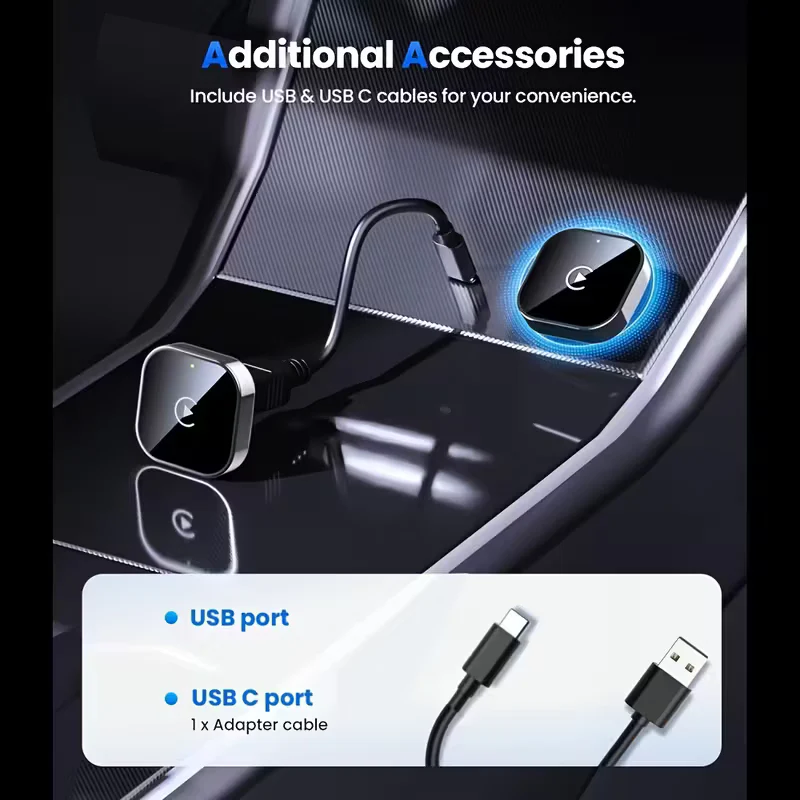
- Includes USB-C to USBA adaptor
Why Buy From Us
- Nationwide Delivery Across South Africa
- 12 Month Warranty For Peace Of Mind
- Pre Purchase Compatibility Guidance To Confirm Wired CarPlay Or Wired Android Auto Support
- Trusted By Thousands Of South African Drivers For Quality And Durability
Installation & Maintenance Tips
- Initial setup: Start the vehicle, plug the adapter into the USB A infotainment data port, then enable Bluetooth and Wi Fi on your phone and follow the on screen prompts.
- If pairing fails: Remove old CarPlay or Android Auto pairings, delete the adapter from Bluetooth devices, restart the phone and infotainment system, then retry.
- If it connects but does not launch: Confirm you are using the correct vehicle USB port and that the port supports data, not charging only.
- For best stability: Keep Bluetooth and Wi Fi enabled while driving and avoid connecting to other Wi Fi networks during use.
Important: Compatibility depends on the vehicle head unit and USB data port. Please verify wired CarPlay or wired Android Auto support before installation.
$8.08
Original: $26.93
-70%Wireless Apple CarPlay & Android Auto Adapter USB A Plug & Play Dongle—
$26.93
$8.08
Description
Vehicle Compatibility
- Vehicle requirement: Your vehicle must already support wired Apple CarPlay or wired Android Auto. This adapter converts an existing wired system to wireless.
- Port requirement: Must be connected to the vehicle’s CarPlay or Android Auto USB data port. Charge only USB ports will not work.
- Connector: USB A plug (connects to the vehicle USB A infotainment data port).
- Apple CarPlay: iPhone 6 or newer with iOS 10 or higher.
- Wireless Android Auto: Requires a compatible Android phone with 5GHz Wi Fi support. Wireless projection is supported on Android 11+ and on certain Google or Samsung devices on Android 10, plus select Samsung models on Android 9 (device support varies).
Quick test: Connect your phone to the car using a USB data cable. If the CarPlay or Android Auto icon appears on the vehicle display, this adapter is compatible.
Specifications
- Product Type: Wireless CarPlay And Android Auto Adapter Dongle
- Vehicle Connection: USB A
- Power Supply: USB Powered 5V
- Connectivity: Bluetooth For Pairing Plus Wi Fi For Data Link
- Use Case: Converts Wired CarPlay Or Wired Android Auto To Wireless Operation
- Design: Compact Dongle Format For A Cleaner Cabin Setup
Features
- Plug And Play Setup For Supported Vehicles
- Wireless Apple CarPlay And Wireless Android Auto On Compatible Devices
- Designed For Stable Daily Use With Low Latency Performance
- No Separate Power Supply Required
- Reduces Cable Clutter While Keeping Full Screen Projection Functionality'
- Includes USB-C to USBA adaptor
Why Buy From Us
- Nationwide Delivery Across South Africa
- 12 Month Warranty For Peace Of Mind
- Pre Purchase Compatibility Guidance To Confirm Wired CarPlay Or Wired Android Auto Support
- Trusted By Thousands Of South African Drivers For Quality And Durability
Installation & Maintenance Tips
- Initial setup: Start the vehicle, plug the adapter into the USB A infotainment data port, then enable Bluetooth and Wi Fi on your phone and follow the on screen prompts.
- If pairing fails: Remove old CarPlay or Android Auto pairings, delete the adapter from Bluetooth devices, restart the phone and infotainment system, then retry.
- If it connects but does not launch: Confirm you are using the correct vehicle USB port and that the port supports data, not charging only.
- For best stability: Keep Bluetooth and Wi Fi enabled while driving and avoid connecting to other Wi Fi networks during use.
Important: Compatibility depends on the vehicle head unit and USB data port. Please verify wired CarPlay or wired Android Auto support before installation.